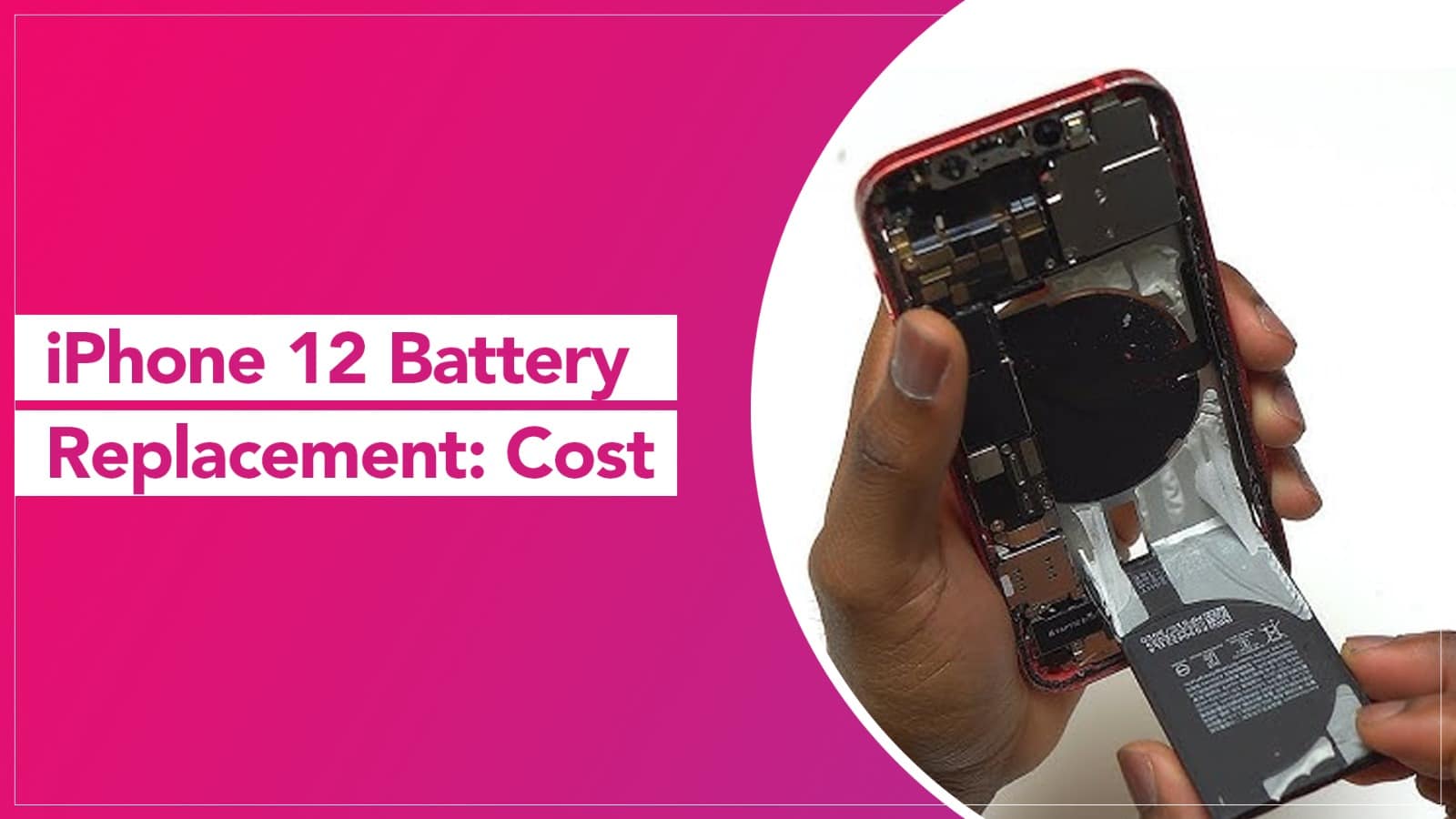
iPhone 12 Battery Replacement: Cost

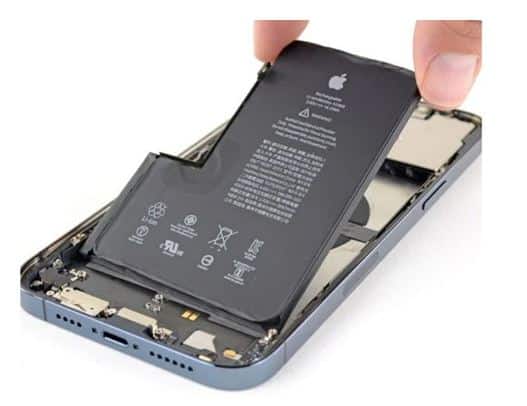
The battery of your iPhone works just like the fuel tank of a car—it keeps everything running smoothly. But over time, it can lose its ability to hold charge, leaving you constantly searching for a charger. If this sounds familiar, it’s a clear sign that your iPhone 12 battery needs replacement.

Replacing your iPhone 12 battery is like giving your device a new life. Once replaced, your phone performs better, lasts longer, and feels as good as new.

How iPhone Batteries Work

iPhones use rechargeable lithium-ion batteries, known for their:

  • High energy density
  • Lightweight design
  • Fast charging capability

These batteries are designed to deliver strong performance while maintaining a compact size. Apple also includes advanced software features to manage battery health and optimize performance even as the battery ages.

Source: Techyuga

Signs You Need an iPhone 12 Battery Replacement

You may need a battery replacement if:

  • Your phone drains quickly
  • It shuts down unexpectedly
  • Battery health drops below 80%
  • You need to charge your phone multiple times a day

Ignoring these signs can affect your iPhone’s performance and overall usability.

iPhone 12 Battery Replacement – Where to Go?

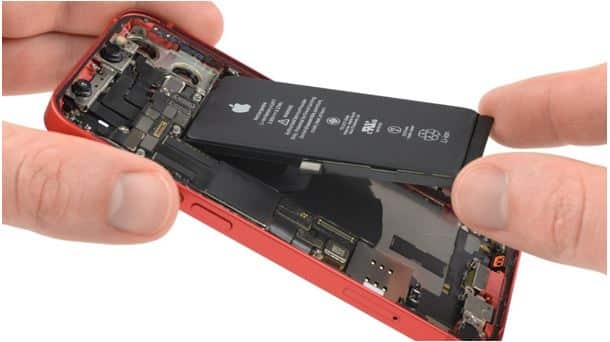
Replacing an iPhone battery requires professional skills and proper tools. Apple devices are sealed with strong adhesive, and multiple internal components need to be carefully handled during the process.

While some local repair shops may attempt battery replacement using online tutorials, this can be risky. Improper handling may:

  • Damage internal components
  • Void your warranty
  • Affect water resistance

The safest and most reliable options are:

  • Apple Authorized Service Centers
  • Trusted repair providers like Rapid Repair

Professional technicians use advanced tools and ESD-safe equipment to ensure safe and efficient battery replacement.

Source: Medium

iPhone 12 Battery Replacement Cost in India

The cost of iPhone 12 battery replacement at Rapid Repair is:

  • ₹4500 + 18% GST
  • Total: ₹5310

This includes a lifetime service warranty, making it a cost-effective and reliable choice.

For customers in remote areas, Rapid Repair also offers free doorstep pickup and delivery, ensuring convenience without compromising quality.

Why Choose Professional Battery Replacement?

Choosing a professional repair service ensures:

  • Genuine parts
  • Safe installation
  • Maintained device performance
  • Warranty support

It also helps preserve your iPhone’s durability and long-term functionality.

Get Expert Apple Device Repairs

Whether you’re facing battery issues, screen damage, or other problems with your Apple devices, expert technicians can help. Many services now offer:

  • Free pickup and drop
  • Quick turnaround time
  • Reliable repair solutions

Don’t let battery issues slow you down—get your iPhone 12 battery replaced today and enjoy seamless performance again.

FAQs

1. What is the cost of iPhone 12 battery replacement in India?

The iPhone 12 battery replacement cost is around ₹4500 + 18% GST, making the total approximately ₹5310. Prices may vary depending on the service provider and location.

2. How long does iPhone 12 battery replacement take?

A professional battery replacement usually takes 30 minutes to 2 hours. Some service providers also offer same-day service or doorstep pickup and delivery.

3. Is it safe to replace an iPhone 12 battery from a local repair shop?

It can be risky if the technician is not experienced. Improper replacement may damage internal components, affect water resistance, or void the warranty. Always choose a trusted or authorized service provider.

4. Will replacing the battery improve iPhone 12 performance?

Yes, a new battery can significantly improve performance, battery life, and overall device efficiency, especially if your current battery health is low.

5. Can I replace the iPhone 12 battery myself?

DIY replacement is not recommended. iPhones are sealed with strong adhesive and require specialized tools and expertise. Attempting it yourself can damage your device.

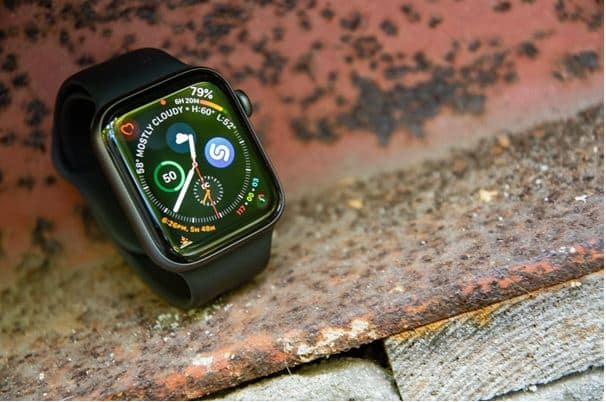
Apple Watch Series 4 Screen Replacement Cost in India

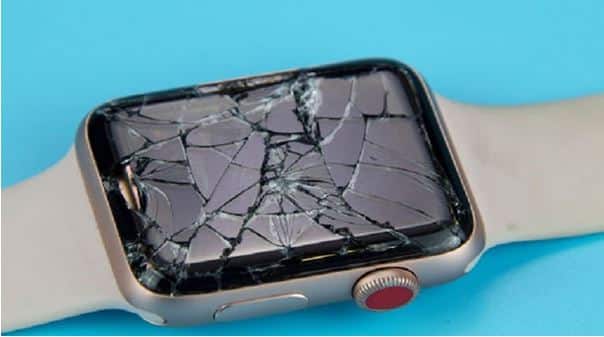
Looking to get your 4th generation iWatch screen fixed? Want to know the cost of Apple Watch Series 4 screen replacement? You’re in the right place. This guide covers the best repair options, pricing, and everything you need to know before getting your Apple Watch repaired.

Source: Soldrit

Types of Apple Watch Repair Service Providers

Broadly, there are two types of service providers who offer Apple Watch Series 4 screen replacement:

  1. Providers using genuine Apple OEM parts
  2. Providers using non-OEM (duplicate) parts

Choosing a repair service that uses original Apple OEM screens is highly recommended. Non-original parts may lead to issues like poor touch response, display problems, or malfunctioning features. Additionally, using non-OEM parts can void your device warranty. Always confirm with your repair provider about the type of parts they use.

Source: sdmsd.go.th

Best Apple Watch Series 4 Screen Replacement Options in India

When it comes to reliable repair services in India, you have two main options:

1. Apple-Authorized Service Provider

To get your Apple Watch repaired, you need to book an appointment at a nearby Apple-authorized service centre or Apple Store. After submitting your device, you will be notified once the repair is completed, and you’ll need to visit again for pickup.

  • Benefits:
    • Genuine Apple parts
    • Certified technicians
    • AppleCare+ support (if applicable)

If you have AppleCare+, you can enjoy extended warranty coverage and reduced service fees.

2. Independent Repair Provider (Rapid Repair)

Rapid Repair is one of the well-known independent repair providers in India for Apple devices.

  • Easy booking via phone
  • Free pickup from your home or office
  • Repair by expert technicians using advanced equipment
  • Quality testing after repair
  • Doorstep delivery after service
  • Lifetime warranty on repairs

This option is convenient if you prefer a hassle-free, at-home service experience.

Apple Watch Series 4 Screen Replacement Cost in India

Here’s a quick cost comparison:

  • Apple Authorized Service Centre:
    ₹33,900 – ₹43,900 (depending on model)
  • With AppleCare+:
    ₹5,900 (service fee only)
  • Rapid Repair:
    Approx. ₹4,500 + 18% GST

Now that you know the best options and pricing for Apple Watch Series 4 screen replacement in India, you can make an informed decision. If your screen is cracked or not working properly, it’s best to get it repaired as soon as possible to avoid further damage.

Need Help with Apple Device Repairs?

Facing issues with your Apple Watch, iPhone, iPad, or MacBook? Struggling to find a reliable repair centre?

Expert technicians can assist you with free pickup and drop service, offering fast and reliable solutions for all your Apple device problems.

Call today to book your Apple Watch screen replacement, battery replacement, or other repair services and get your device back in perfect condition!

Source: DC Rainmaker

(FAQs)

1. What is the cost of Apple Watch Series 4 screen replacement in India?

The screen replacement cost for Apple Watch Series 4 ranges from ₹33,900 to ₹43,900 at authorized service centres. Independent repair providers may charge around ₹4,500 + GST, depending on the service quality and parts used.

2. Is it better to repair the Apple Watch 4 screen from an authorized service centre?

Yes, getting your device repaired at an authorized service centre ensures genuine Apple parts, certified technicians, and warranty protection. However, it is usually more expensive compared to third-party repair services.

3. Does AppleCare+ cover Apple Watch Series 4 screen damage?

If you have AppleCare+ from Apple Inc., you can get the screen repaired at a reduced service fee of around ₹5,900, instead of paying the full replacement cost.

4. How long does it take to replace an Apple Watch Series 4 screen?

At an authorized service centre, it may take a few days, depending on part availability. Independent repair providers often complete the repair within 24–48 hours, including pickup and delivery.

5. Can I use my Apple Watch if the screen is cracked?

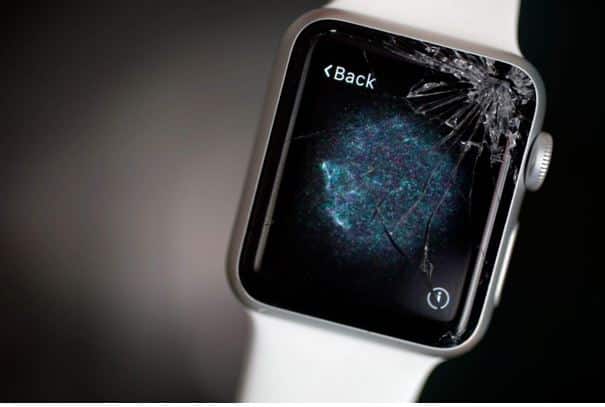
You can still use it if the touch works, but it is not recommended. A cracked screen can worsen over time, affect touch sensitivity, and even damage internal components.

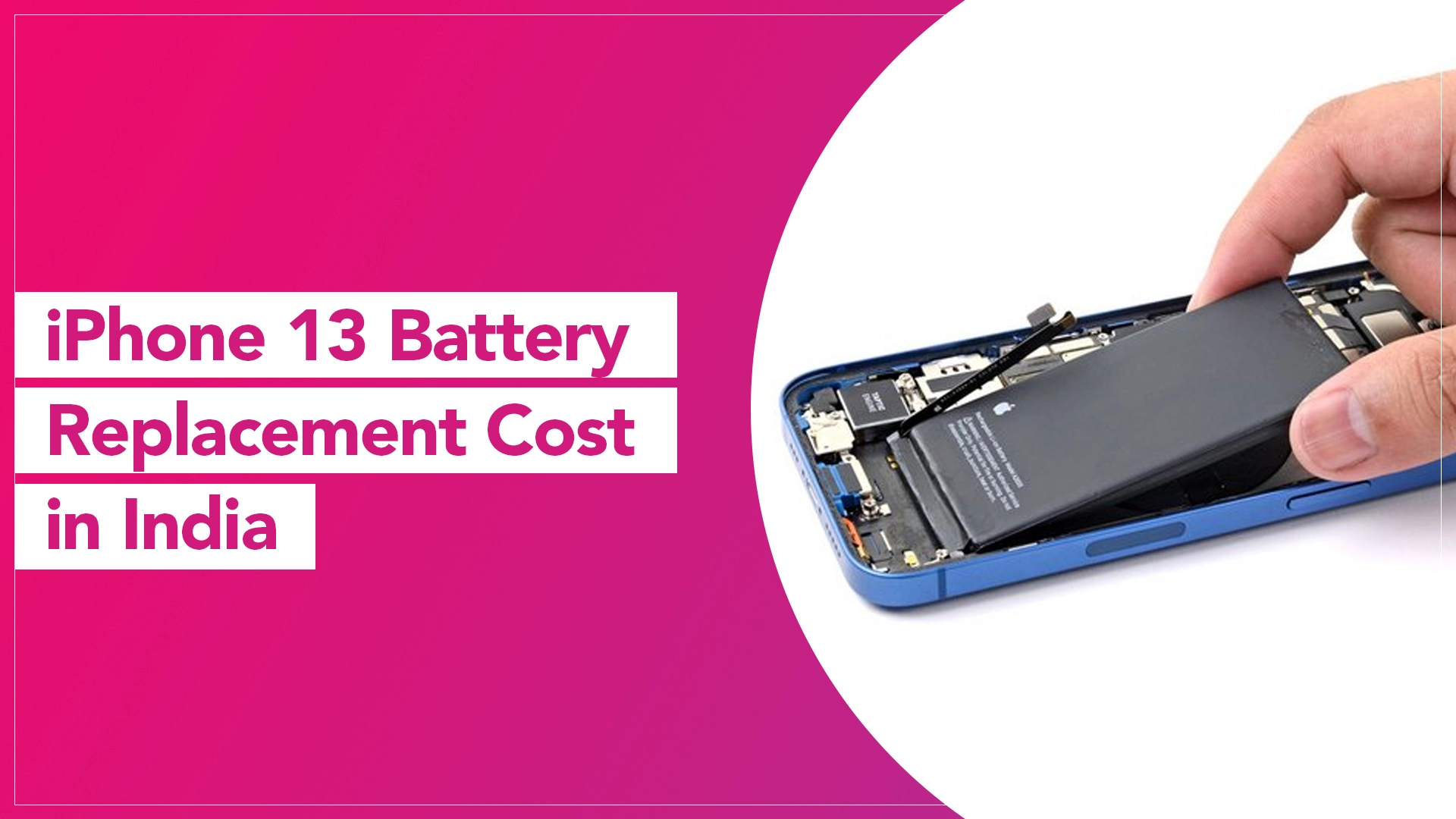
iPhone 13 Battery Replacement Cost in India (2026 Guide)

iPhone 13 Battery Replacement Cost in India

The iPhone 13 remains a powerhouse in 2026, but after 2–3 years of daily use, even the most efficient Li-ion batteries begin to fade. If your phone is struggling to last until lunch or feels sluggish, a battery replacement is the most cost-effective way to restore that “new phone” feel without spending ₹70,000+ on a upgrade.

Powered by a Li-ion battery with a capacity of 4,082mAh, the iPhone 13 provides up to 12 hours of internet use on a single charge. However, over time the performance deteriorates and the overall lifespan of the battery reduces. An iPhone 13 battery replacement can be considered when your iPhone 13’s battery is no longer holding a charge.

When to Replace Your iPhone 13 Battery?

The signs that the time has arrived to replace your iPhone 13 battery are very clear. Here we have listed a few issues to look for before scheduling a battery replacement service. Anyone of them can indicate that the water has risen above the danger level.

  • The iPhone shuts down abruptly, even with a significant amount of charge.
  •  iPhone’s battery drains in less than a day.
  • The iPhone’s battery is swollen or damaged.
  • The iPhone has been charged more than 500 times (the average lifespan of an iPhone battery).

Source: BankMyCell

Why use an original iPhone 13 battery?

To ensure optimal performance, safety, and compatibility, using an original Apple OEM battery is crucial. Original batteries are designed specifically for iPhone 13, providing the same capacity and reliability promised by Apple. Non-original batteries may cause compatibility issues, reduce performance, and even pose a risk to the device’s safety. Not all repair service providers have access to authentic Apple OEM batteries. Only Apple-authorized service centres and a few selected Independent Repair Providers like Rapid Repair can get hold of them.

Source: iTweak

How Much Does iPhone 13 Battery Replacement Cost in India?

In 2026, the cost of an iPhone 13 battery replacement varies based on where you choose to get it serviced. Here is the latest price breakdown:

Service Provider Estimated Cost (INR) Warranty Best For
Apple Authorized ₹8,800 – ₹11,800 90 Days Warranty Peace of Mind
Rapid Repair ₹4,500 + GST Lifetime Warranty Quality & Convenience
Local Repair Shops ₹2,500 – ₹3,500 30-90 Days Budget (Higher Risk)
AppleCare+ ₹0 Original Plan Active Subscribers

Note: Prices are estimates for the standard iPhone 13. Costs for the iPhone 13 Pro and Pro Max are typically ₹500–₹1,000 higher due to larger battery capacities.

Source: Canaltech

Why Choose Rapid Repair Over Local Shops?

While local “street-side” repairs might save you ₹1,000, they often come with hidden costs:

  • Genuine Parts vs. Generic: We use high-grade OEM-spec batteries that support the latest iOS 18/19 battery health reporting. Many cheap batteries will show an “Unknown Part” warning in your settings.
  • Lifetime Warranty: Unlike the standard 90-day window, we stand by our parts for the life of the device.
  • Doorstep Convenience: You don’t have to navigate city traffic. We pick up your iPhone 13, replace the battery in a controlled environment, and deliver it back to you.

Maximizing Your New Battery Life (2026 Tips)

Once you’ve replaced your battery, use these iOS 19-ready tips to keep it healthy:

  • Enable Adaptive Charging: Let your iPhone learn your routine to reduce the time spent at 100%.
  • Avoid Extreme Heat: Never leave your iPhone on a car dashboard; heat is the #1 killer of battery chemistry in the Indian climate.

Use Certified Cables: Cheap cables can deliver unstable voltage, degrading your new battery faster.

To conclude, iPhone 13 battery replacement is an inevitable step in maintaining your device’s longevity and performance. While it may seem expensive, using an original Apple battery and replacing it through a trusted service centre like Rapid Repair ensures optimal performance and safety.

Got issues with your Apple Watch, iPhone, iPad, MacBook or any Apple device? Is a trustworthy repair centre not in sight? Don’t worry, the experts can help you get a free pickup and drop service and provide a bright iPhone repair solution for all your Apple woes. Call today for your iPhone battery replacement, screen replacement, and other top repair services.

Frequently Asked Questions (FAQ)

Q: Will I lose my data during the replacement?

A: No, a battery replacement is a hardware-only procedure. However, we always recommend a quick iCloud backup before any repair as a standard safety measure.

Q: Does replacing the battery fix iPhone 13 overheating issues?

A: Yes, in many cases. As batteries age, their internal resistance increases, which generates more heat during charging and heavy use. A degraded battery also forces the processor to work harder to manage power, causing the phone to feel hot. Installing a fresh, high-capacity battery often significantly reduces the operating temperature of your device.

Q: Can I get my iPhone 13 battery replaced on the same day?

A: We understand that your iPhone is essential for your work and life. While Apple-authorized centers may ask for 3–5 business days, Rapid Repair offers a specialized “Express Doorstep Service” in major cities. We aim to collect, repair, and return your device within 24 hours so you are never without your phone for long.


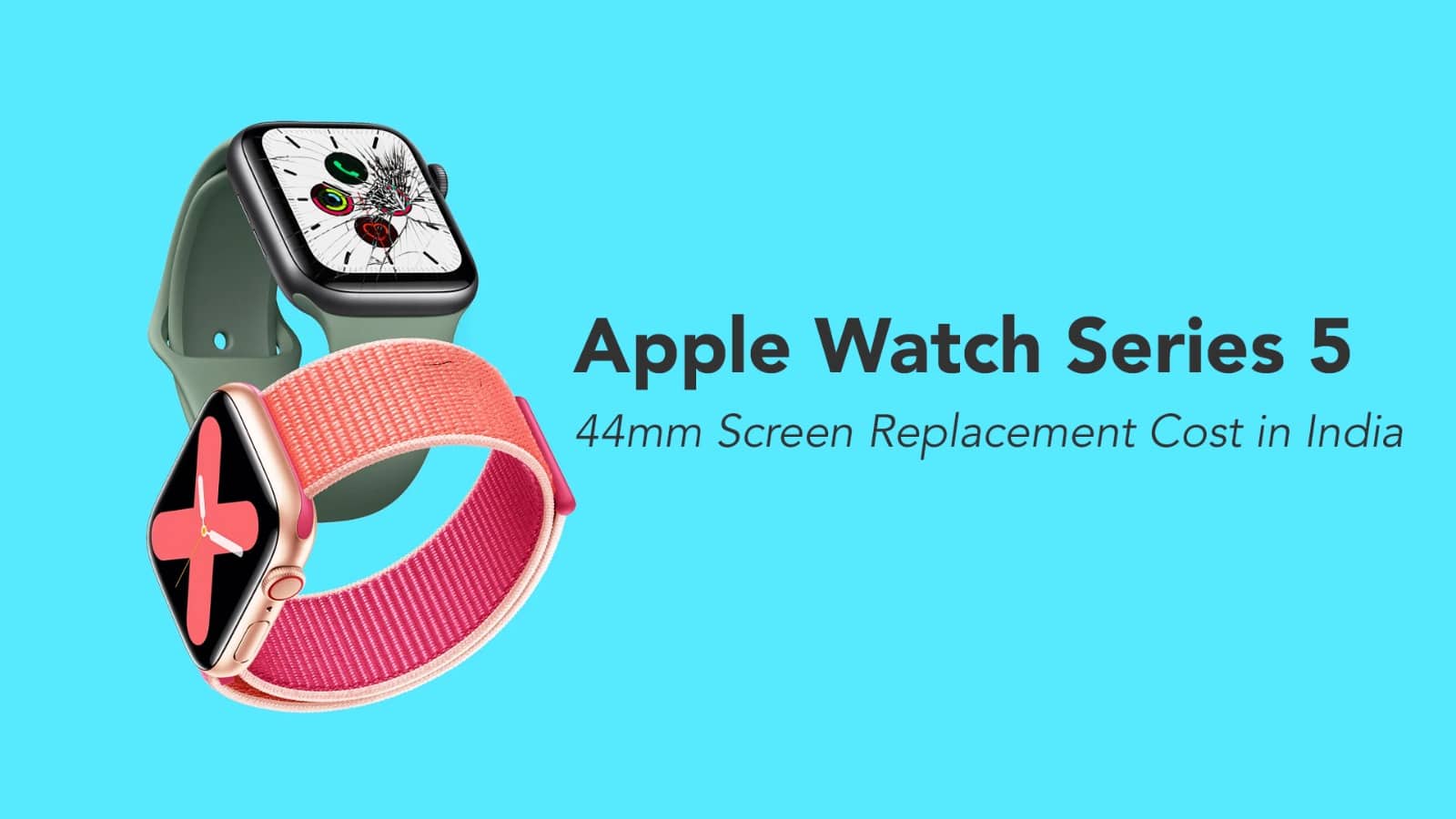
Apple Watch Series 5 44mm Screen Replacement Cost in India

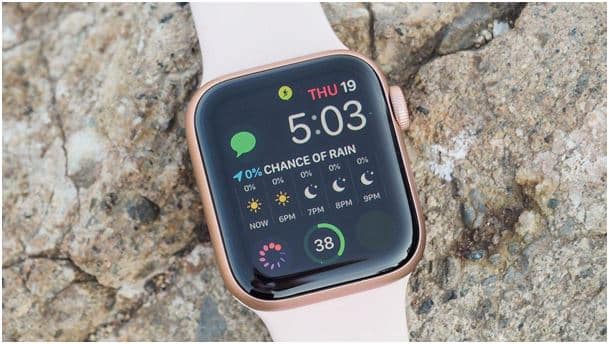
The Apple Watch Series 5 44mm features a premium OLED display that delivers vibrant colours and crystal-clear visuals. With a resolution of 368 × 448 pixels and a display area of 977 sq mm, it offers an exceptional viewing experience.

However, due to its advanced technology and compact design, Apple Watch Series 5 screen replacement is not a simple task.

Apple Watch Series 5 Display Features

The display panel is built using cutting-edge technologies, including:

  • OLED (Organic Light-Emitting Diode) for high contrast and colour accuracy
  • Force Touch technology for pressure-sensitive interactions
  • Fingerprint-resistant coating for better durability and clarity

These features enhance usability but also make the screen replacement process more delicate.

Source: DobytoDesign

Why Apple Watch Series 5 Screen Replacement is Complicated

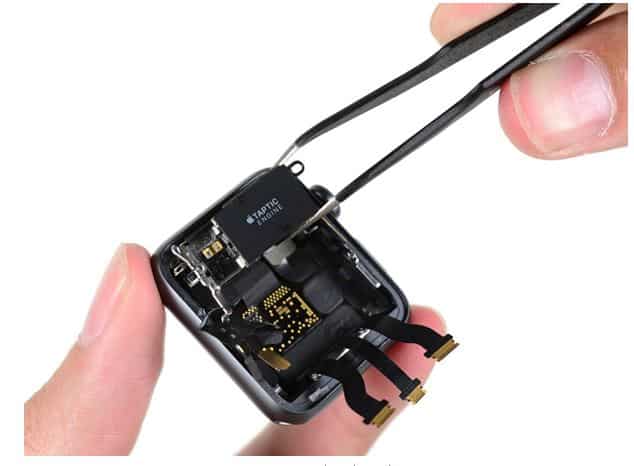
Replacing the screen of the Apple Watch Series 5 44mm requires precision and expertise due to its intricate internal structure.

Key reasons include:

  • The display is strongly bonded to the casing with industrial-grade adhesive
  • It is connected via delicate flex cables that can easily break
  • The screen integrates components like sensors and speakers, requiring careful handling

Because of this, attempting a DIY repair or visiting an untrained technician can lead to further damage.

Apple Watch Series 5 44mm Screen Replacement Cost in India

The cost of replacing the Apple Watch Series 5 display varies depending on where you get it repaired:

1. Apple Authorised Service Centre

  • ₹33,900 to ₹43,900 (approx.)

2. With AppleCare+

  • ₹5,900 service fee

3. Independent Repair Providers

  • Around ₹7,500 + 18% GST
  • Often includes lifetime service warranty

Source: Digital Trend

(FAQs)

1. What is the screen replacement cost of Apple Watch Series 5 44mm in India?

The screen replacement cost ranges between ₹33,900 to ₹43,900 at Apple authorised service centres. With AppleCare+, it costs around ₹5,900, while trusted third-party repair providers may charge approximately ₹7,500 + GST.

2. Why is Apple Watch Series 5 screen replacement so expensive?

The display uses advanced OLED technology and is tightly integrated with internal components. The screen is bonded with strong adhesive and connected through delicate flex cables, making the repair process complex and costly.

3. Can I replace the Apple Watch Series 5 screen at home?

No, DIY repair is not recommended for the Apple Watch Series 5 44mm. It requires specialised tools and expertise. Attempting it at home can damage the display, sensors, or internal components.

4. Is it better to repair or replace my Apple Watch Series 5?

If the damage is limited to the screen, repair is usually the best option. However, if multiple components are affected, replacing the device might be more cost-effective.

5. Does AppleCare+ cover screen damage?

Yes, AppleCare+ covers accidental screen damage. You only need to pay a service fee of ₹5,900 for screen replacement.

Source: Apple

Conclusion

The Apple Watch Series 5 44mm is a premium smartwatch with advanced display technology, which makes its screen replacement complex and costly. Whether you choose an authorised service centre or an independent repair provider, always prioritise quality and expertise to avoid further damage.

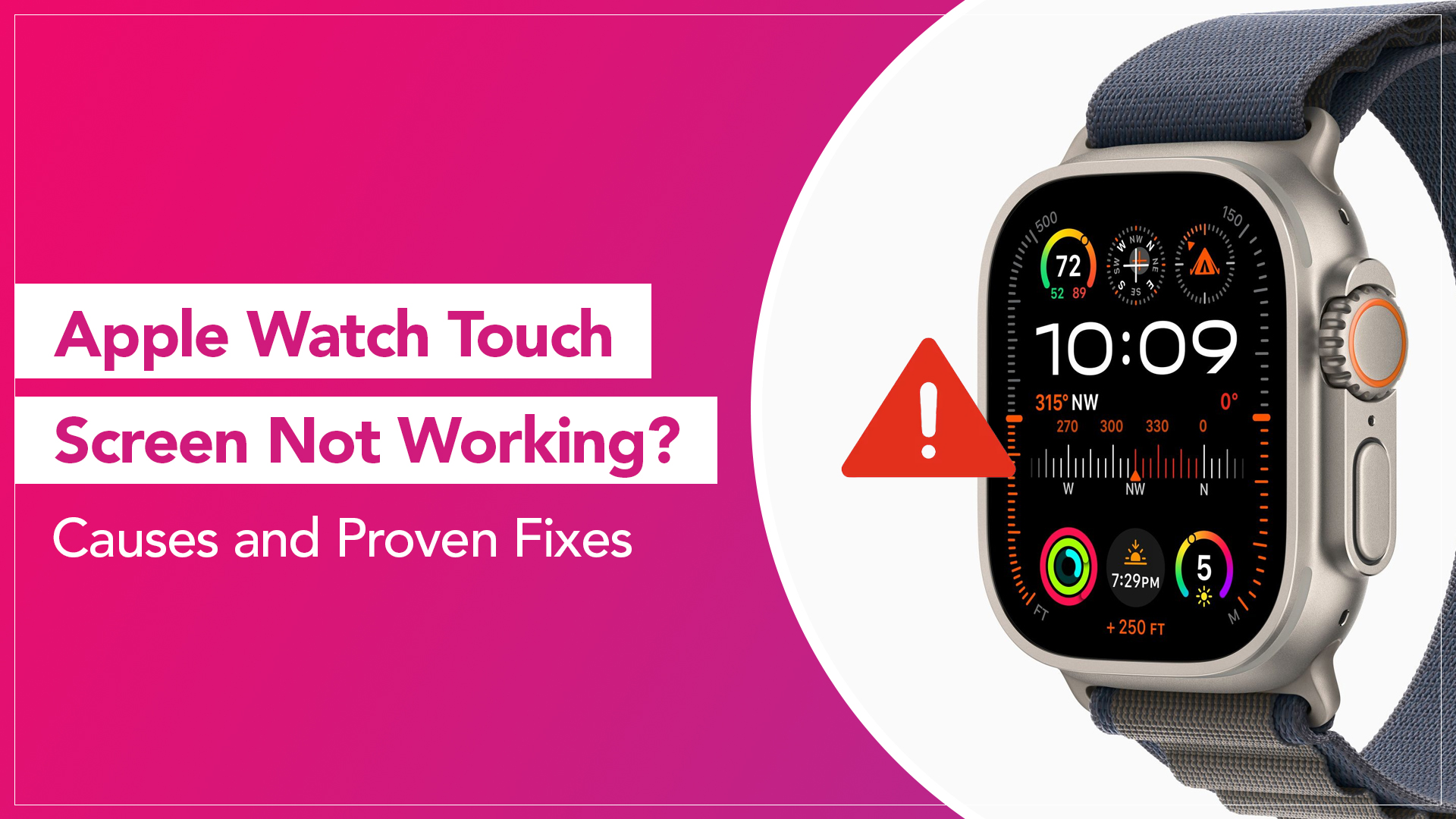
Apple Watch Touch Screen Not Working? Causes and Proven Fixes

The Apple Watch is designed to respond instantly to taps, swipes, and gestures. When the display suddenly stops responding, the experience can become frustrating. You tap the screen, and nothing happens. Swiping does not open apps. Even simple interactions stop working.

If you are facing an Apple Watch touch screen not working problem, the issue may not always be serious. Many users on Apple support discussions report that the problem is often caused by software glitches, moisture, or temporary system errors. Before assuming the watch needs repair, it is worth trying a few reliable troubleshooting steps.

Below are some practical methods to resolve the issue.

Restart the Apple Watch

A restart is usually the first step for many troubleshooting guides. Temporary system glitches can cause the screen to stop responding.

To restart your Apple Watch:

  1. Press and hold the side button
  2. When the power options appear, slide to Power Off
  3. Wait about 30 seconds
  4. Press and hold the side button again until the Apple logo appears

Restarting reloads the watchOS system and can restore touch functionality.

Clean the Screen Properly

A dirty or oily display can sometimes interfere with touch sensitivity. It is recommended to keep the screen clean and dry.

Use a soft, lint-free cloth slightly dampened with water to gently wipe the display. Avoid using strong chemicals or abrasive materials.

Also, remove any protective film that might be affecting touch responsiveness.

Source: Advanti

Read More – How Do I Install Apps on Apple Watch?

Remove the Case or Screen Protector

Some third-party cases and screen protectors may affect touch detection, especially if they are thick or poorly aligned.

Try removing them temporarily and test the watch again. Many users discover that the accessory was interfering with the touch sensors.

Check for Water or Moisture

If your watch recently got wet, moisture may interfere with the touchscreen.

Apple Watches have water resistance, but droplets trapped between the screen and a protector can still affect touch. Wipe the watch dry with a soft cloth and allow it to air dry for a while.

You can also turn the Digital Crown if the watch has entered water lock mode after swimming.

Force Restart the Apple Watch

If the screen remains frozen, do a force restart.

To do this:

  1. Press and hold the side button and Digital Crown together
  2. Keep holding both for about 10 seconds
  3. Release when the Apple logo appears

Many users report that this method helps when the Apple Watch screen not responding issue is caused by temporary system freezes.

Update watchOS

Software bugs occasionally cause display glitches. Apple regularly releases updates that improve stability.

To check for updates:

  1. Open the Watch app on your iPhone
  2. Tap General
  3. Select Software Update

Install any available updates and restart the watch after the installation.

Source: Aurabio.com

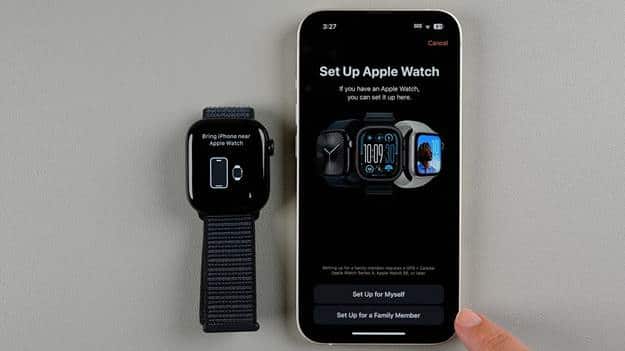
Unpair and Pair the Apple Watch Again

If the problem persists, resetting the connection between your iPhone and Apple Watch can sometimes help.

Steps:

  1. Open the Watch app on your iPhone
  2. Tap All Watches
  3. Select your watch and choose Unpair Apple Watch
  4. Pair it again following the setup instructions

This resets several system settings and may resolve persistent software problems.

When Hardware May Be the Cause

If none of the above solutions works, the problem may be hardware-related. Possible causes include:

  • internal display damage after a drop
  • water exposure affecting touch sensors
  • display connector issues
  • aging touch components

In such cases, a professional inspection may be required to properly fix Apple Watch touchscreen issues.

Read More – Apple Watch Battery Replacement Cost

FAQs

Why is my Apple Watch touch screen not responding?

The issue may be caused by software glitches, moisture, a frozen system process, or interference from a screen protector or case.

Can restarting fix Apple Watch touch issues?

Yes. Restarting or force restarting the watch often resolves temporary system errors that affect touch response.

Does water affect Apple Watch touch screens?

Although Apple Watches are water resistant, moisture or droplets on the display can temporarily affect touch sensitivity.

How do I force restart my Apple Watch?

Press and hold the side button and Digital Crown together for about 10 seconds until the Apple logo appears.

Can a screen protector stop the Apple Watch from responding?

Yes. Some thick or poorly fitted protectors can interfere with touch detection.

When should I seek repair?

If the screen remains unresponsive after restarting, cleaning, and updating watchOS, the issue may be related to internal hardware and should be inspected by a technician.

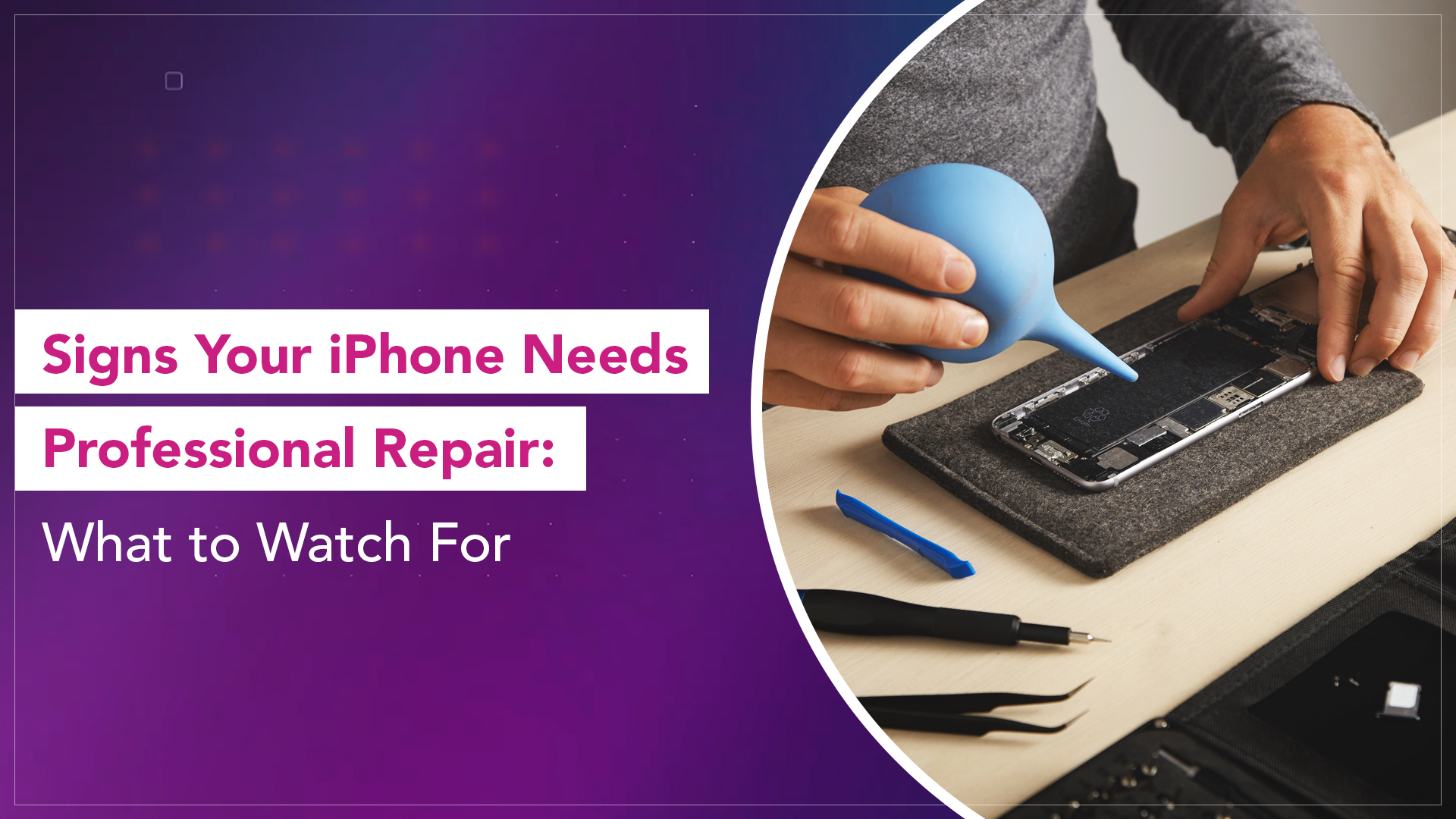
Signs Your iPhone Needs Professional Repair: What to Watch For

iPhones rarely stop working all at once. Problems usually begin quietly. A slight lag here. A faster battery drop there. A camera that takes a second longer to focus. Most people ignore these early signs until the issue becomes impossible to overlook.

The real question is not whether something is wrong, but when to repair an iPhone before the problem gets worse.

Usually, there’s a pattern to any iPhone related issue. Users try basic troubleshooting first. If the issue persists or keeps returning, it usually points to something deeper than a temporary glitch.

Here are some clear signs that your iPhone may need professional attention.

Persistent Battery Drain and Overheating

Battery issues are among the most common iPhone problems. A slight drop in battery life is normal over time, but certain patterns indicate something more serious.

Watch for:

  • The battery is draining unusually fast, even on standby
  • Phone heating up during simple tasks
  • Sudden shutdowns at moderate charge levels

Experts often suggest checking battery health first. If the battery health is significantly reduced or the device struggles to maintain power, a deeper inspection may be needed.

Source: UnlockBoot

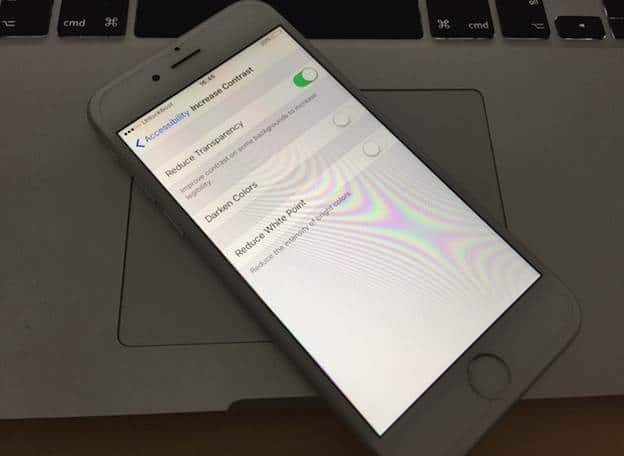
Screen Issues That Keep Returning

A cracked screen is obvious. But some display issues are less visible and more concerning.

Look for:

  • Flickering or brightness fluctuations
  • Ghost touches or delayed response
  • Discoloured patches or lines

If restarting the device or updating iOS does not resolve these issues, it may indicate display hardware problems rather than software glitches.

Charging Problems

Charging issues often start inconsistently. The cable needs to be adjusted at a certain angle. Charging pauses randomly. Or the device takes much longer to charge than before.

Possible signs include:

  • The charging port feels loose
  • The device does not charge with certain cables
  • Charging stops and starts repeatedly

Apple support discussions often suggest cleaning the charging port first. If the issue continues, internal port damage or power circuit issues may require inspection.

Audio Problems That Don’t Go Away

Temporary audio glitches can happen, but persistent problems are a different story.

Common symptoms:

  • No sound from the speakers
  • Distorted audio
  • The microphone is not picking up the voice clearly

If restarting the device and checking settings does not fix the issue, it may indicate speaker or internal audio component damage.

Camera Not Functioning Properly

The iPhone camera is one of its most used features. When it stops performing as expected, it becomes noticeable quickly.

Watch for:

  • Blurry photos even after cleaning the lens
  • Camera app crashing
  • Focus is not working properly

Software updates can sometimes fix camera bugs. But if the issue persists, hardware inspection is often required.

Source: Gotechtor

Network and Connectivity Issues

If your iPhone struggles to connect to Wi-Fi, Bluetooth, or cellular networks consistently, it may point to deeper system or hardware problems.

Signs include:

  • Frequent signal drops
  • Bluetooth devices are disconnecting repeatedly
  • Wi-Fi not detecting networks

Resetting network settings might help in such cases. If the problem continues, it may require further diagnosis.

Physical Damage and Internal Impact

Not all damage is visible. A phone that has been dropped may work fine initially, but develop issues over time.

Possible delayed effects:

  • Screen flickering days after impact
  • Battery swelling
  • Internal components loosening

Ignoring these signs can lead to more serious problems later.

When Basic Fixes Stop Working

Apple recommends trying simple troubleshooting first:

  • Restarting the device
  • Updating iOS
  • Resetting settings

If the issue keeps coming back after these steps, it is often a sign that software is not the root cause.

At that point, professional iPhone repair becomes the practical next step.

Source: Adobe Stock

Most iPhone problems don’t appear suddenly. They build up gradually. Recognising early warning signs can help you act before a minor issue turns into a major one.

Trying basic fixes is always the first step. But knowing when those fixes are no longer enough is what helps you make the right decision.

A well-timed repair often extends the life of your device and prevents more expensive problems later.

Read More – How to Clean an iPhone Speaker Without Damaging It

FAQs

How do I know if my iPhone needs repair?

If issues like battery drain, screen flickering, charging problems, or audio issues persist even after basic troubleshooting, the device may need professional inspection.

Can software updates fix iPhone problems?

Yes, in some cases. Updates often fix bugs. However, repeated or persistent issues may indicate hardware problems.

Should I repair or replace my iPhone?

If the device still performs well overall and the issue is limited to one component, repair is usually more practical than replacement.

Is overheating always a serious issue?

Occasional heating can be normal. Constant overheating during basic tasks may indicate battery or internal hardware problems.

What should I try before seeking repair?

Restart the device, update iOS, check settings, and reset if needed. If the issue continues, a professional diagnosis is recommended.

Can minor issues become serious later?

Yes. Small problems like battery degradation or internal damage can worsen over time if ignored.

whatsapp logo