
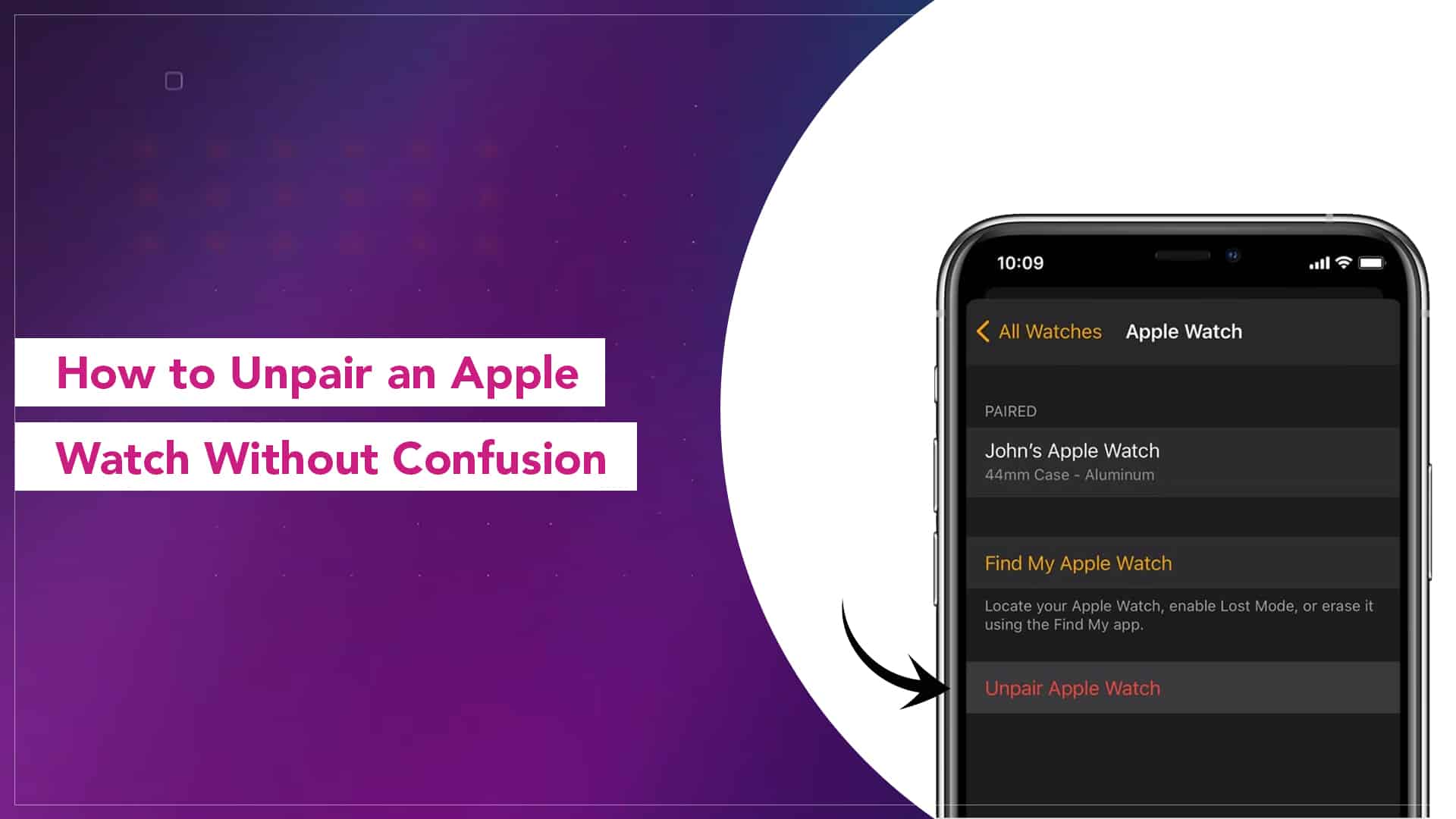
Unpairing an Apple Watch sounds like a simple task until the moment you actually need to do it. Maybe you’re switching to a new iPhone. Maybe the Watch isn’t behaving the way it used to. Or maybe you’re planning to give it away and want everything wiped clean. Whatever the reason, knowing the right steps saves you from a lot of stress and guessing.
The good thing is that unpairing is not complicated. You just have to pick the correct route and follow it patiently.
Start With the Basics: The Safest Way to Unpair an Apple Watch
The safest and cleanest way to unpair your Watch is directly through the iPhone it is already connected to. This keeps backups intact, removes activation lock, and avoids forgetting small but important steps.
Most people only need this method. If someone ever asks you how to unpair an Apple Watch, this is the version they actually mean.
How to Unpair Apple Watch Using the iPhone
Keep both devices close. They need to talk to each other throughout the process.
- Open the Watch app on your iPhone
- Tap on All Watches at the top
- Tap the little info icon next to the Watch you want to unpair
- Choose Unpair Apple Watch
- Confirm your decision
- Enter your Apple ID password if asked
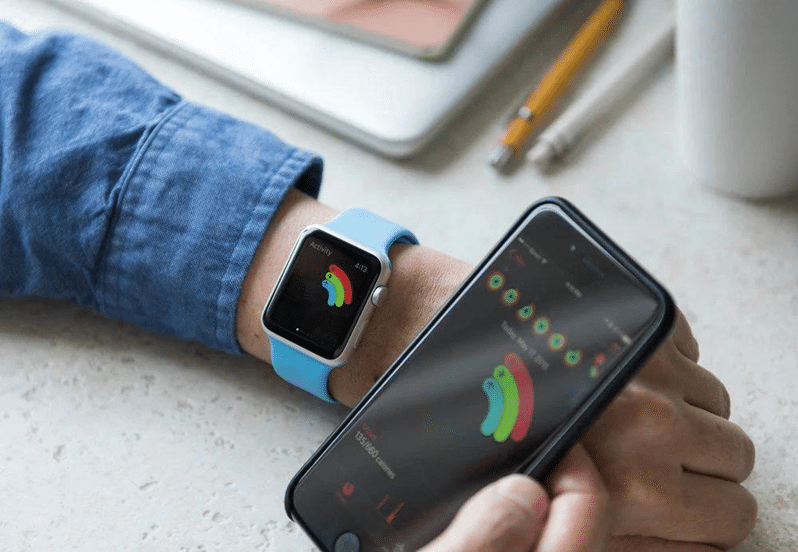
It takes a few minutes. The Watch resets itself and the iPhone saves a backup so you can set it up later if you want. This is the cleaner version of how to unpair Apple Watch from an iPhone without losing anything important.
Source: ESR-EU
When the Apple Watch Is Not Responding or iPhone Is Unavailable
Sometimes the Watch becomes unresponsive, or you simply cannot access the iPhone it was paired with earlier. Maybe it’s an old device. Maybe it’s damaged. Maybe you sold it already.
In such cases, you have to reset the Watch directly.
- Put the Watch on its charger
- Press and hold the side button
- Keep holding until the Power Off screen appears
- Press and hold the Power Off slider
- Tap Erase all content and settings
This wipes the Watch, but remember, it does not remove activation lock. Whoever sets it up next will still need your Apple ID unless you unpair through the iPhone. That’s why the iPhone method is always safer.
Read More – Why Your Apple Watch Needs Regular Screen and Battery Checkups
How to Erase Apple Watch From the Paired iPhone
There’s another option. Instead of using the Watch directly, you can also reset it through the Watch app.
- Open the Watch app
- Tap General
- Scroll down
- Tap Reset
- Tap Erase Apple Watch Content and Settings
This fully wipes the device. And since it goes through the iPhone, the activation lock is removed properly. If you ever want to erase Apple Watch from the paired iPhone without touching the Watch itself, this is the most reliable method.
Important Things People Often Forget When Unpairing Apple Watch
Unpairing does more than just disconnect the Watch. It resets it, removes data, disables activation lock, and frees it up for setup again.
Here are two tiny but important reminders:
● Keep the iPhone and Watch close during unpairing
● Make sure the Watch has enough battery or is on the charger
A halfway unpairing is messy and frustrating.

Source: Mac Observer
Why Unpairing an Apple Watch Is Better Than Just Resetting
A lot of people jump straight to resetting the Watch from the device itself. It works, but it leaves activation lock behind. If you plan to sell or hand over your Watch, activation lock becomes a huge roadblock for the next person.
Unpairing makes the Watch truly free.
Unpairing an Apple Watch is not difficult. Most of the steps are simple, but they only work smoothly when you follow them in the right order. Whether you’re upgrading, troubleshooting, or giving the Watch to someone else, unpairing through the iPhone is almost always the smarter choice.
If you ever feel unsure, just remember: unpair through the iPhone to remove all locks and offload everything cleanly. It’s the method that saves you from future headaches.
Read – How to Set Up Hypertension Alerts on Apple Watch
FAQs
Does unpairing erase everything on the Apple Watch?
Yes, unpairing wipes the Watch completely. All data, apps, settings, and health information get erased. A backup is created on the paired iPhone before wiping, so you can restore it later if you want.
Can I unpair my Apple Watch without my iPhone?
You can reset the Watch directly, but that won’t remove activation lock. The new user won’t be able to set it up without your Apple ID. This is why unpairing through the iPhone is the cleaner method.
What if my iPhone is lost or damaged?
If you can’t access the paired iPhone, you can erase the Watch from the device itself. Just keep in mind that activation lock stays attached to your Apple ID unless you remove the Watch from your iCloud account.
Is unpairing the same as turning off the Apple Watch?
Not at all. Turning off the Watch only powers it down. Unpairing disconnects it from the iPhone, wipes data, and prepares it for setup again.
Does my Apple Watch remain usable after unpairing?
Yes, but it will show the setup screen. It becomes a fresh device again, ready to be paired with any iPhone as long as the activation lock has been removed.
Will my cellular plan get removed too?
For cellular models, unpairing usually offers the option to keep or remove the plan. If you’re switching to a new Apple Watch, keep the plan. If you’re selling the device, remove it.
