

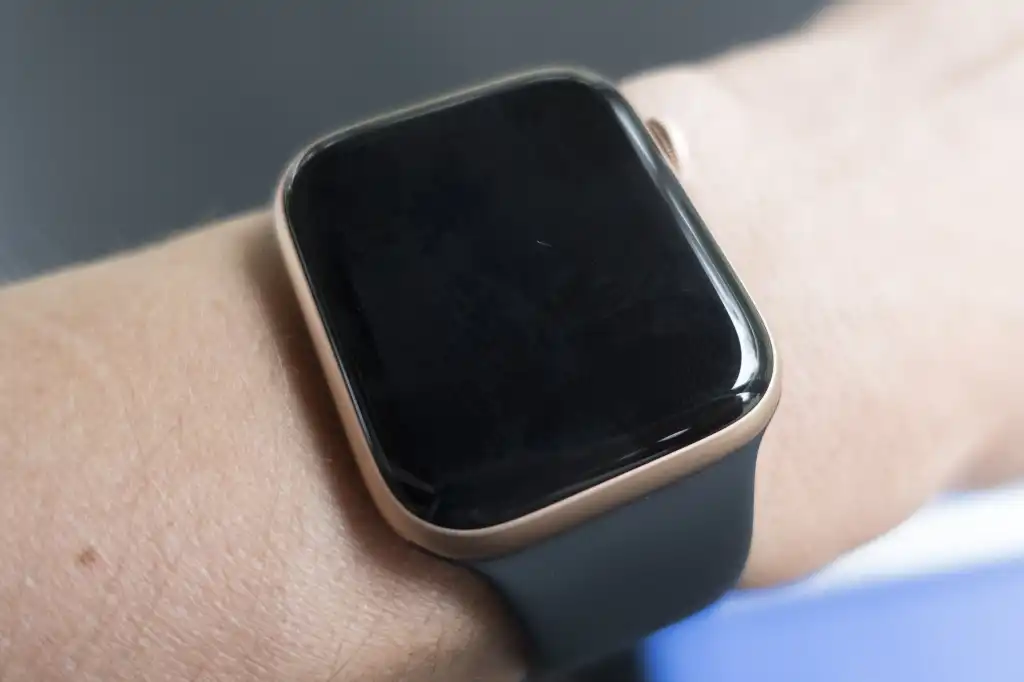
You feel the tap on your wrist a notification, an alarm, something- but when you look down, the screen’s just black. Nothing. No time, no complications, not even a flicker. Yet the watch is clearly working under there, since it’s still buzzing away. An Apple Watch black screen but still vibrating is one of those common and confusing issues. Is it dead? Is it fine? Nobody knows until you actually dig in.
Let’s go through why this happens and what’s actually worth trying.
Why the Screen Goes Black While Everything Else Still Works
The fact that your watch is still vibrating is actually useful information. It means the processor, the battery, and the taptic engine (the thing responsible for those buzzes) are all powering on and responding. So whatever’s wrong is most likely isolated to the display itself, or how the watch is showing what’s on it. That’s a good sign, and it usually means this is fixable, and often without needing a full replacement, here are the reasons:
Inage Credit – Macworld
1. The Watch Is Just Asleep
Apple Watch screens turn off automatically to save battery, and if your wrist detection settings are a certain way, or you’ve got the display set to not wake on wrist raise, it can look like the screen’s dead when it’s really just off. This confuses people more than you can expect.
Try this first:
- Tap the screen directly, or press the Digital Crown.
- Raise your wrist in a normal, deliberate motion — sometimes a lazy flick doesn’t register.
- Check Settings > Display & Brightness > Wake on Wrist Raise, and make sure it’s actually turned on. This check is to be done on the Watch App on the iPhone it is paired with. You will be able to change settings from there also and it will take effect on the watch.
2. Low Battery Weirdness
Occasionally, a battery that’s critically low can cause the screen to stop responding while the watch still has just enough energy to buzz for notifications. It’s an odd in-between state, but it happens.
What to do:
- Put the watch on its charger and leave it for at least 30 minutes.
- Look for the charging symbol or any sign of life on the screen once it’s had some time.
- If it’s completely unresponsive even after a solid charge, this isn’t a battery issue anymore.
3. A Software Freeze
Sometimes it’s genuinely just a glitch: the software locked up mid-process, and the screen froze on black instead of crashing back to the watch face. This is honestly one of the more common causes, and also the easiest one to fix.
Force restart it:
- Press and hold both the side button and the Digital Crown at the same time.
- Keep holding until you see the Apple logo — this can take about 10 seconds.
- Let go once the logo appears and let it boot back up normally.
If the screen comes back after this, you were dealing with a software hiccup, not a hardware fault.
Read – Apple Watch Touch Screen Not Working? Causes and Proven Fixes
4. A Cracked or Damaged Display
If your watch took a knock, a drop, or got caught on something recently, a damaged display is very likely your actual answer, even if there’s no visible crack on the surface. The screen and its internal connector are delicate, and physical impact can knock the connection loose without leaving an obvious mark.
Apple Watch black screens not turning on situations that follow a drop usually fall into this category, and they won’t resolve with a restart no matter how many times you try it.
5. Water or Moisture Damage
Apple Watches handle sweat and light splashes fine, but they are not invincible. Sustained moisture exposure, a long swim, an unexpected downpour, a sauna session can seep past the seals over time and affect the display connection internally, even if the rest of the watch still works.
How to Tell If It’s Software or Hardware
A quick way to narrow it down:
- Try a force restart first: this rules out the easiest and most common cause.
- Charge the watch fully and check again.
- Think back to whether it’s been dropped, knocked, or exposed to water recently.
- If none of that brings the screen back, you are looking at a hardware issue, most likely the display or its connector.
When It’s Genuinely a Hardware Problem
If you have force restarted, charge it fully, and there’s still nothing on the screen despite the vibrations continuing, this is an Apple Watch black screen fix that needs an actual technician, not more troubleshooting. Continuing to use the watch like this isn’t really practical either, since you are missing everything on the display while still getting drained by notifications you can’t see.
Rapid Repair handles Apple Watch repair, including screen replacements, using genuine parts so the fix actually holds instead of failing again a few months later. A proper repair starts with diagnosing whether it’s the display, the connector, or something deeper, so you are not paying for guesswork.
Still stuck with an Apple Watch vibrating but screen not working, no matter what you try?Get it looked at by Rapid Repair. Genuine parts, technicians who actually know these tiny, tightly-packed devices, and a diagnosis before any repair, not after. No more guessing what’s wrong with hidden mechanisms.
Read – Apple Watch SE Ghost Touch: Why Your Screen Taps Itself & How to Fix It
